Is Your Site Too Slow? A Simple Way To Check And Fix It
Jun 07, 2026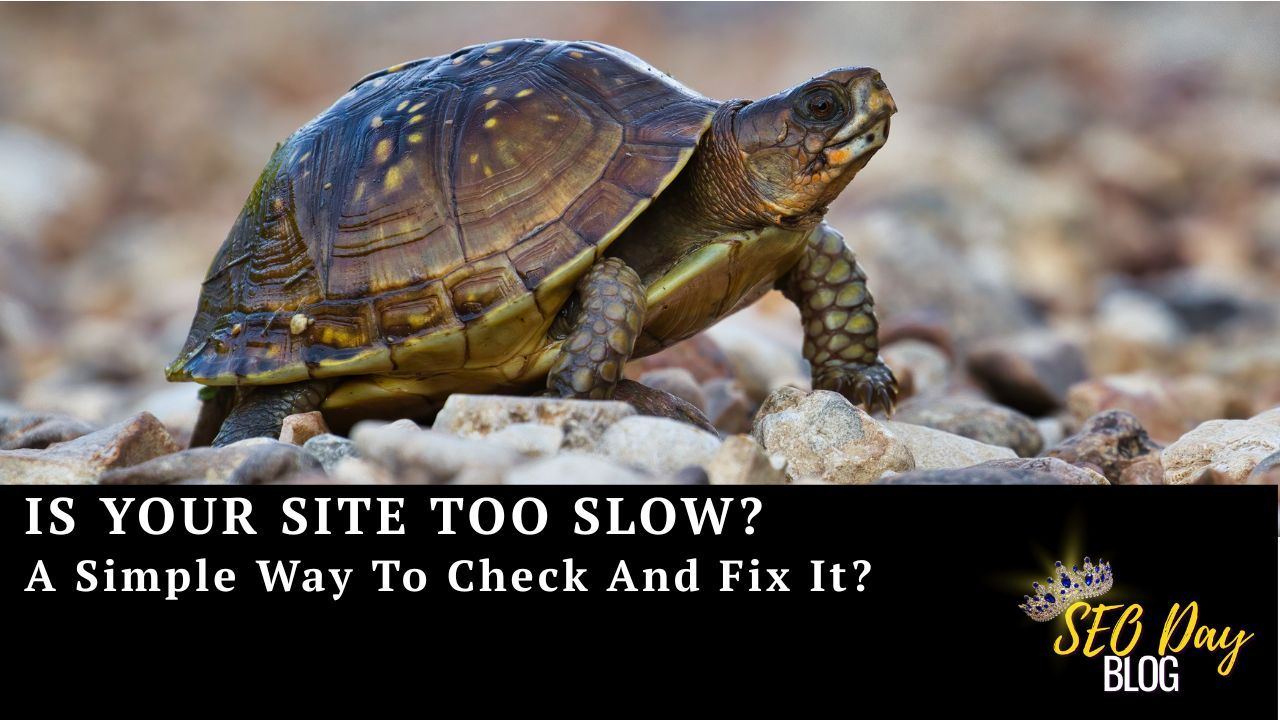
A few weeks ago, I was searching for a new recipe online. I clicked on a promising link, waited a couple of seconds… nothing. Another couple of seconds… still nothing. After what was probably only 5–6 seconds, I gave up, hit the back button, and chose the next result.
I didn’t think much of it in the moment.
But later it hit me: that’s exactly what our own visitors do when our sites are slow.
They don’t send an angry email...
They don’t tell us they’ve gone somewhere else...
They just quietly disappear and click on a different result.
As creators and business owners, that’s the silent leak that hurts us the most. These are people who were interested enough to click, but never even made it to our content or offers because the page took too long to load.
The good news is you don’t have to be “technical” to check your site speed or start improving it.

A Simple Way To Check If Your Site Is Slow
If you’ve ever wondered, “Is my site actually slow, or am I just being paranoid?” there’s a quick way to get an honest answer.
Start with one of your main pages:
- Your homepage
- A key blog post
- A sales page you’re promoting
Then test it the way your visitors experience it:
- Open it on your phone when you’re not on the fastest Wi‑Fi
- Notice how long it takes before you can really see and use the page
- Pay attention to whether it feels smooth when you scroll, click, or open images
- Ask yourself, “If I were in a hurry, would I wait for this page?”
If your honest reaction is “this feels a bit sluggish,” that frustration your visitors feel is very real. Even a couple of extra seconds can be the difference between a new subscriber and a lost opportunity.
Two Easy Ways To Help Your Site Load Faster
You do not need to rebuild your site from scratch to see a difference. Start with one or two simple changes that are within your control.
1. Lighten up heavy images
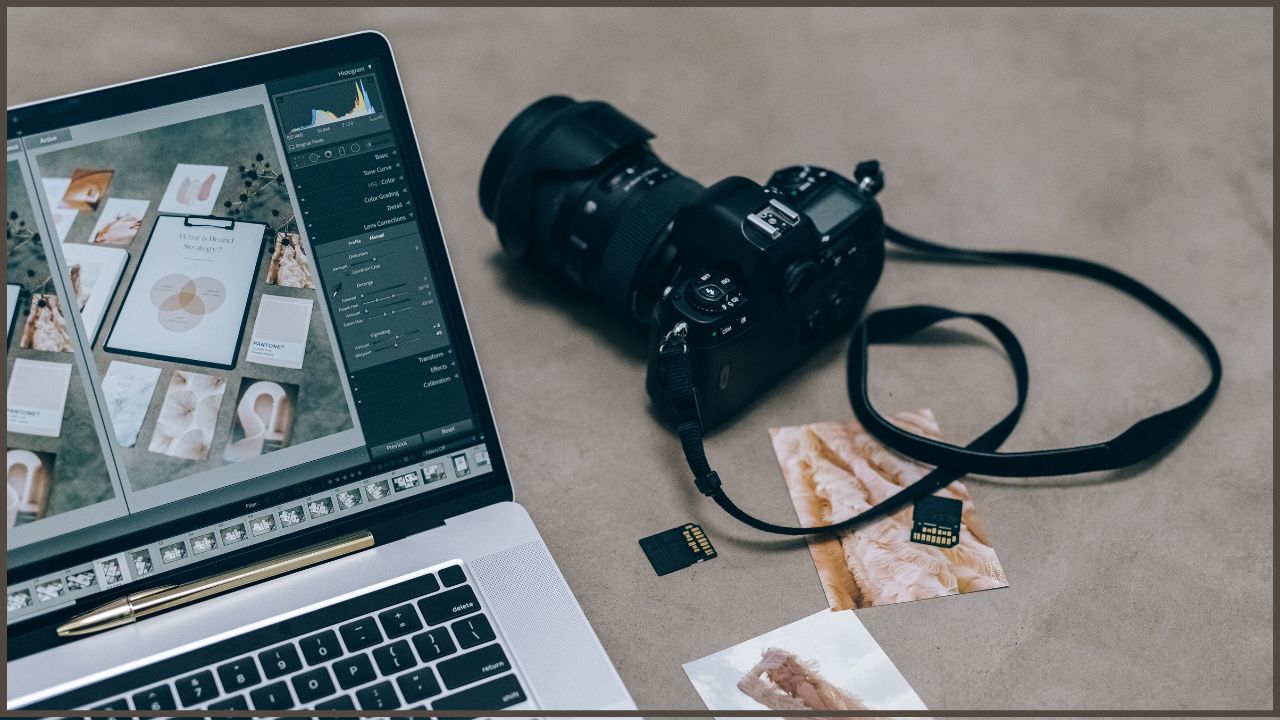
Images are one of the biggest culprits behind slow pages. If your photos are huge (straight from your camera or high‑resolution design files), they can drag down your load time.
Begin by checking:
- Your header or hero image at the top of the page
- Product, course, or portfolio images
- Large background images
Then:
- Use fewer images on a page when possible
- Re‑export images from your design tool at a smaller size
- Choose “compressed for web” or similar options when saving
You’d be surprised how often trimming a few oversized images makes a page feel dramatically faster.
2. Remove extra “stuff” your page doesn’t really need
Every extra animation, widget, and effect is another thing your page has to load before visitors can fully use it.
Look at your page and ask:
- Do I really need this extra pop‑up, chat box, countdown timer, or animation here?
- Are there elements that felt fun when I added them, but don’t actually help visitors take the next step?
Try turning off one or two non‑essential elements and reload the page. Often, your site will feel cleaner and faster, and the main content will stand out more clearly.

Why Site Speed Matters For SEO
Site speed is not just about convenience. It is a core part of how people and search engines judge your site.
When visitors regularly bounce off a page, meaning they enter and then leave immediately like a revolving door, before the page even loads fully, that sends a signal: “This page is not giving people what they want.”
Over time, that can lead to:
- Fewer people sticking around to read or watch your content
- Fewer people seeing your offers or joining your list
- Lower search visibility for the pages you’ve worked hard to create
You put time into writing, recording, and promoting. Site speed is the doorway that either lets people in or quietly turns them away before they ever see what you can do for them.
You Don’t Have To Guess About Your SEO Health
Speed is one part of SEO. Another powerful piece is choosing the right keywords: the words and phrases your ideal audience is actually typing into search.
To make that part easier, I put together a simple guide called “Quickly Find Your Perfect Keywords. The Simple and Easy Way to Be Findable” Inside, you’ll learn:
- How to uncover the exact phrases your audience is already using
- A few low‑tech ways to find topics that are worth creating content around
- How to organize your ideas so you are not guessing what to write next
If you’d like help finding the right keywords for your blog posts, podcast episodes, or sales pages, you can download the guide here
With a faster site and clearer keywords, your content has a much better chance to get found, load quickly, and actually be read by the people you want to reach.
More on SEO & Websites
DIY SEO for Entrepreneurs: Turn Existing Content Into More Traffic, Customers, and Sales
What is SEO Really? Make It Work for You and Your Business
Where Does the Link Come from in Search Results?
Author